
Practical surveying for junior engineers
Stop guessing.
Start setting out.
Choose a focused one-day introduction or spend three days building a repeatable site-setting-out workflow. Practical training covers AutoCAD drawing scale and alignment, Leica iCON total stations and iCON GPS, with DTM and Civil 3D training also available.
For junior engineers, graduates, tradespeople moving into setting out, and site managers looking for a practical refresh.
The Academy’s online hub complements the practical workshop with free lessons and digital learning.
From classroom knowledge to site confidence
College taught you the maths.
We help you do the job.
You may know the formulas and coordinate calculations. On site, you also need to make sense of the latest drawings, prepare the right data, choose a sound setup and check that the work is right.
That practical judgement comes from a clear process and hands-on practice—not theory in isolation. The programme connects office preparation with the decisions and checks made in the field.
Three days to build a practical workflow you can take back to site.
- 01PrepareRead the task, drawings and data
- 02Set upCheck control, equipment and orientation
- 03Set outApply the plan carefully in the field
- 04VerifyRecord checks, as-builts and handover
A closer look at the three-day option
Understand it. Set it out. Check it.
The extended programme gives learners more time to connect AutoCAD drawing preparation with Leica iCON field practice, checks and handover.
AutoCAD drawings & preparation
Start with drawing scale, alignment and the information needed for site work.
- Work through AutoCAD drawing scale and alignment.
- Relate drawing information to the setting-out task.
- Prepare and review data before taking it to the field.
- Use a consistent pre-work check routine.
Leica iCON total station
Build familiarity with setup, control and the iCON field workflow.
- Work with the Leica iCON total station interface and workflow.
- Understand control, orientation and instrument checks.
- Practise setup and measurement steps for site tasks.
- Apply a consistent pre-measurement check routine.
iCON GPS, field practice & QA
Bring the workflow together with iCON GPS practice and clear checks.
- Set up and practise with the Leica iCON GPS workflow.
- Apply setting-out methods to practical site-style tasks.
- Check results and record as-built or quality information.
- Communicate what was done in a clear handover.
Exercises and examples are practical and site-focused. Typical equipment is a Leica iCR70 total station and Leica iCON GPS i70. Captivate or Topcon can be discussed on request; Trimble training is not offered. Ask about dates and suitability before booking.
Who it is for
A practical step forward at work.
- Junior engineers & graduatesBridge the gap between college learning and day-to-day site work.
- Tradespeople & foremenBuild setting-out knowledge and take the next step in your role.
- Site managersRefresh your understanding of setting out, checks and QA.
Digital terrain models & Civil 3D
DTM & C3D training, from surfaces to sections.
Practical, enquiry-led training for digital terrain model workflows and Civil 3D. Discuss your experience, project data and goals to shape a useful session.
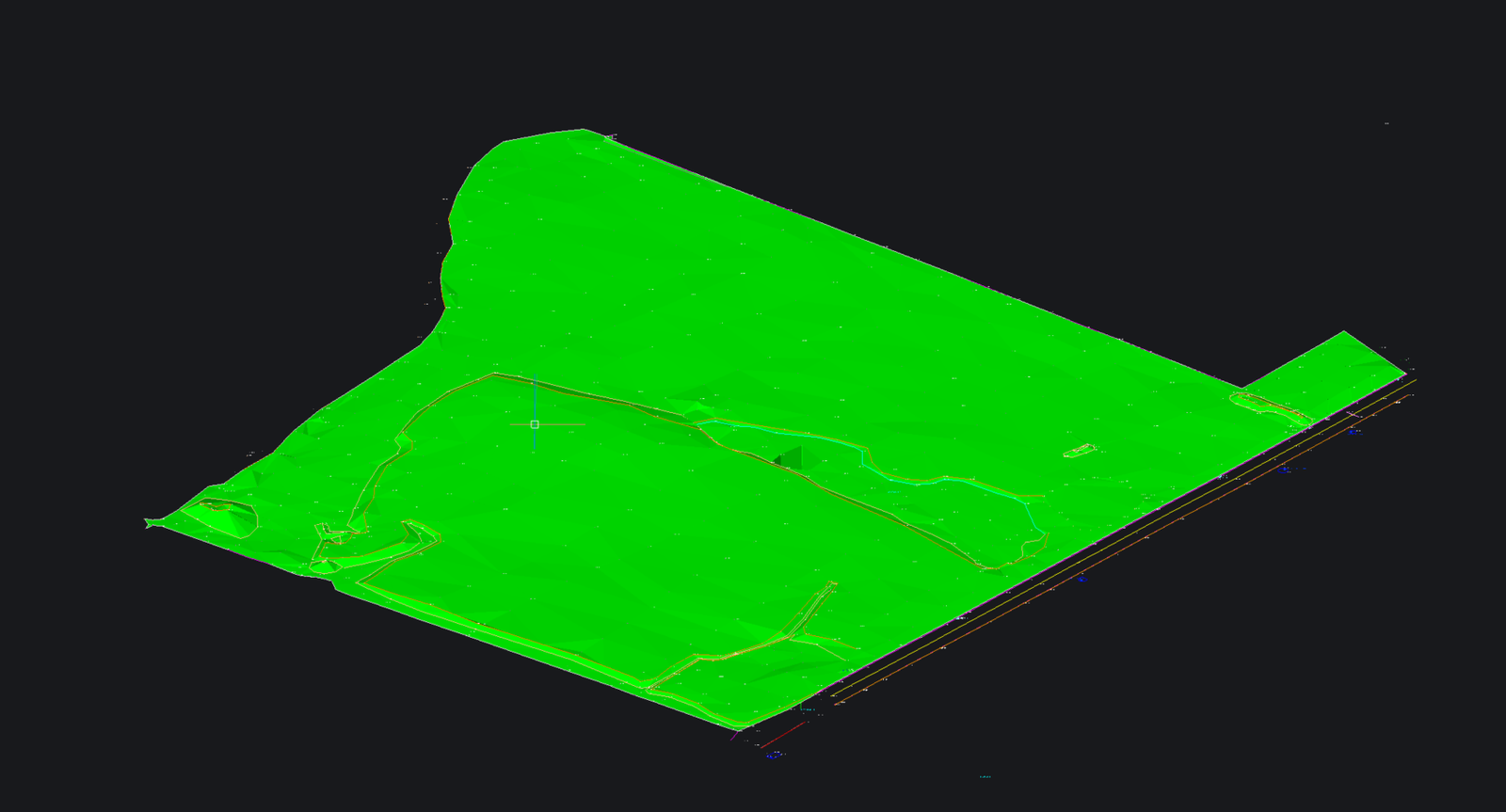
Read the terrain model.
Explore how digital terrain surfaces represent site levels and support practical design and construction workflows.
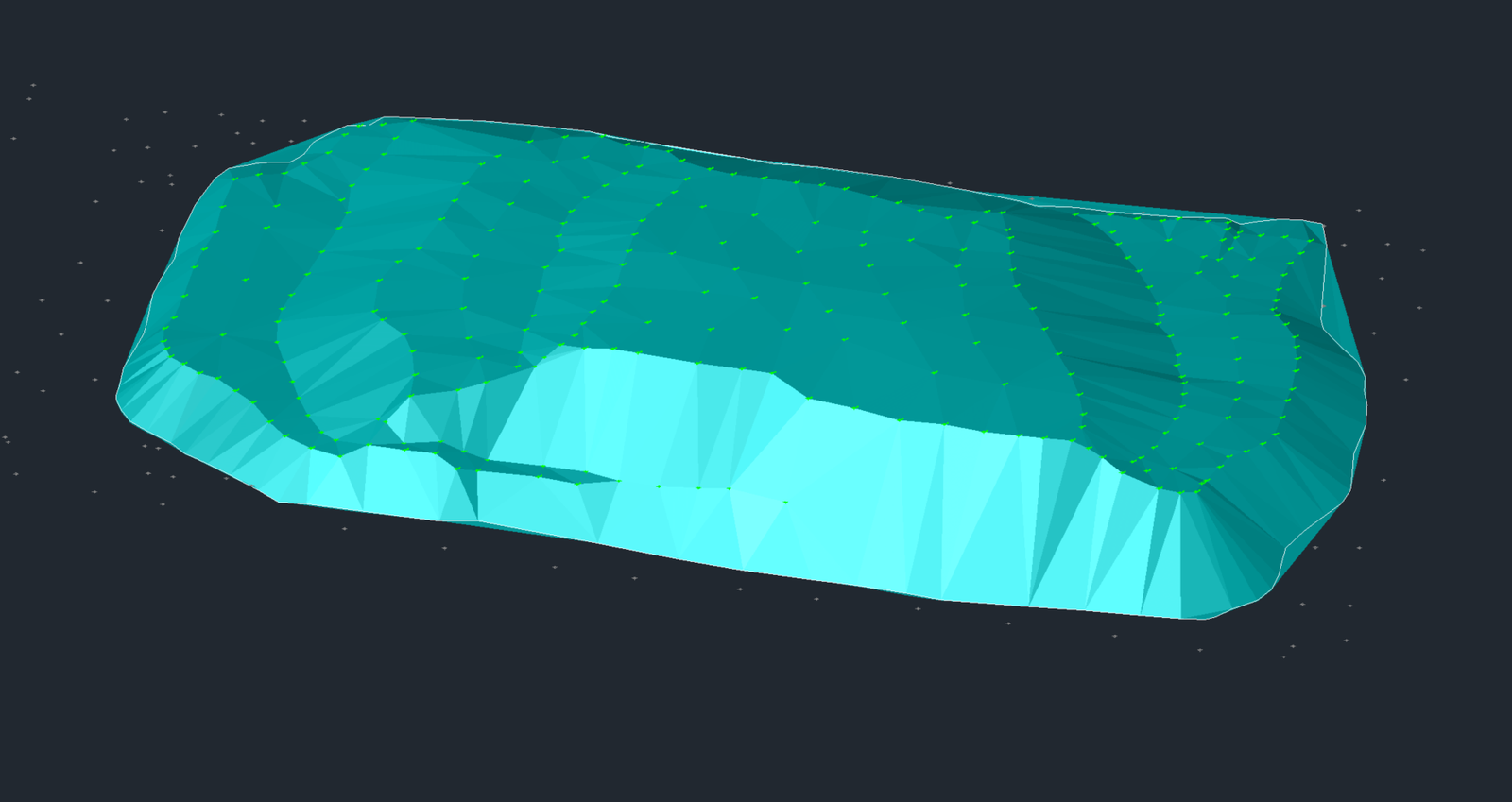
Build and check surfaces.
Work through surface data, model review and the checks that help make terrain information useful.
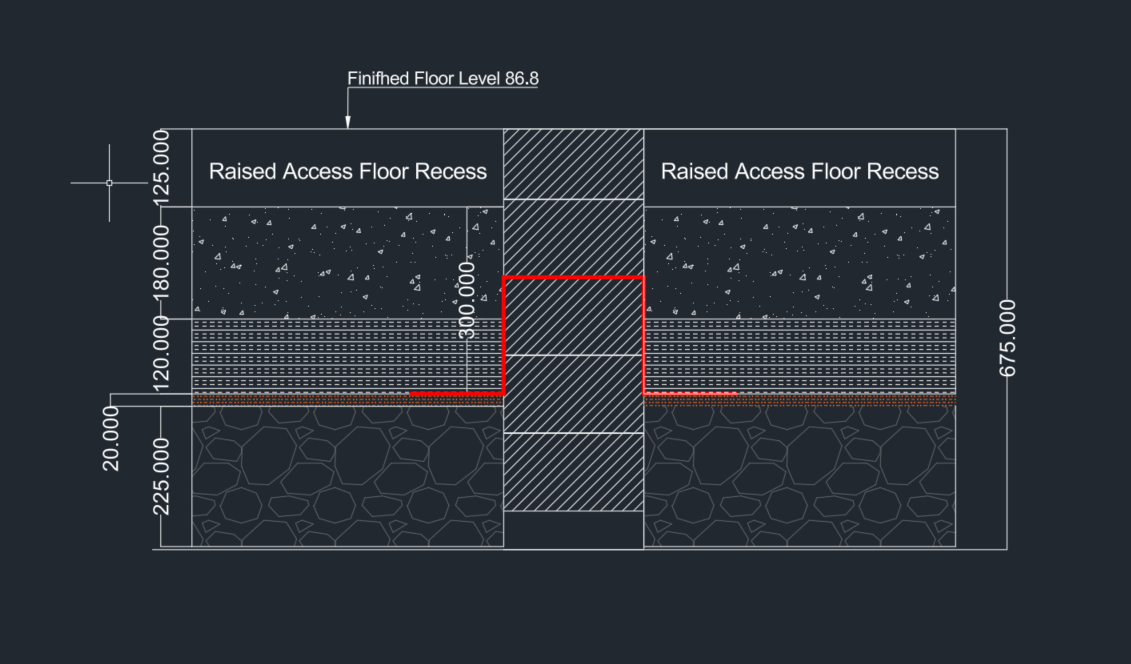
Make section details clear.
Connect model information with cross-section details and drawings that communicate what is needed on site.
Looking for DTM or Civil 3D training? Tell us what you need to learn and ask about a suitable format. Pricing on request.
Ask about DTM & C3D trainingPractice beyond the screen
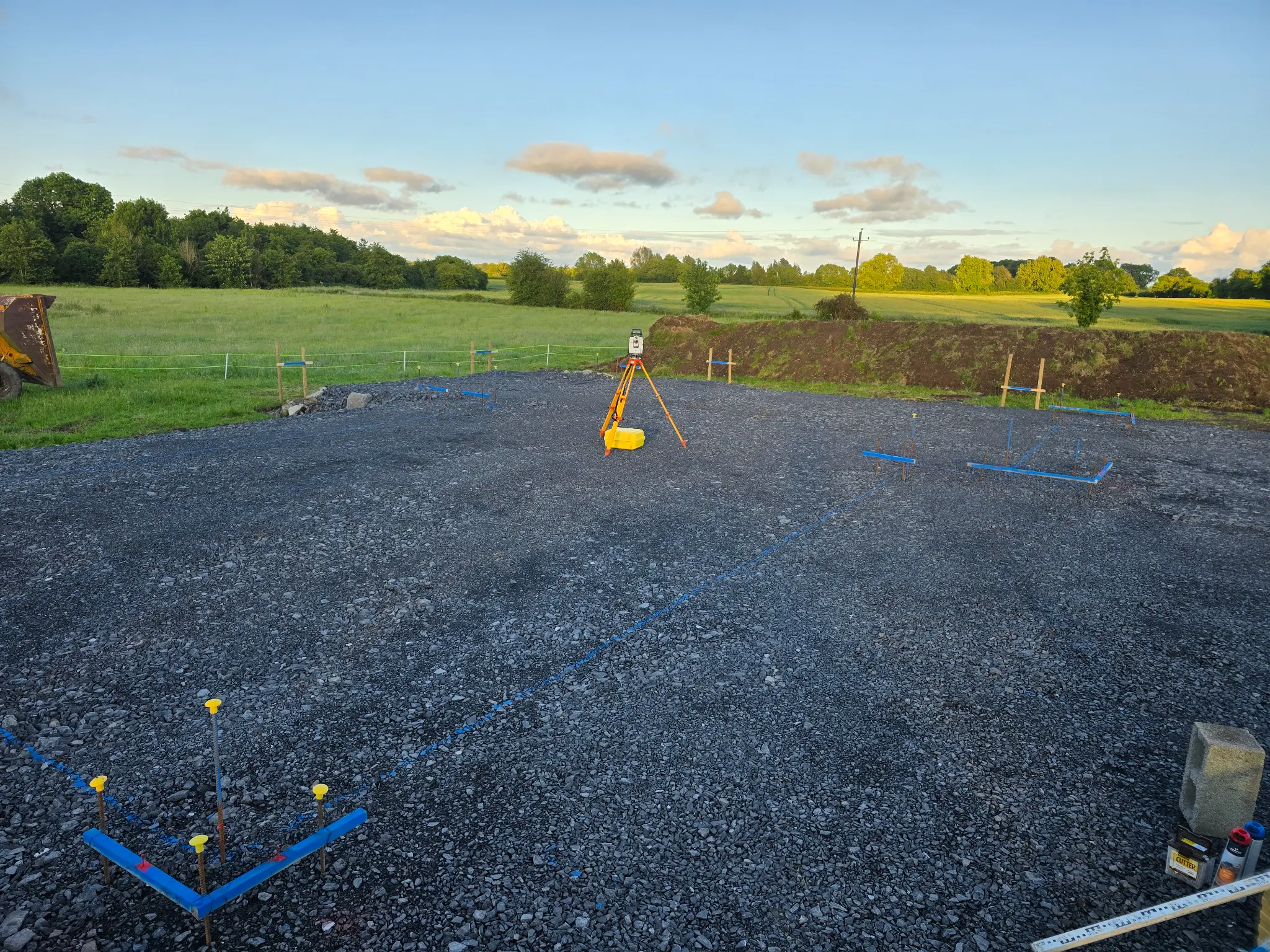
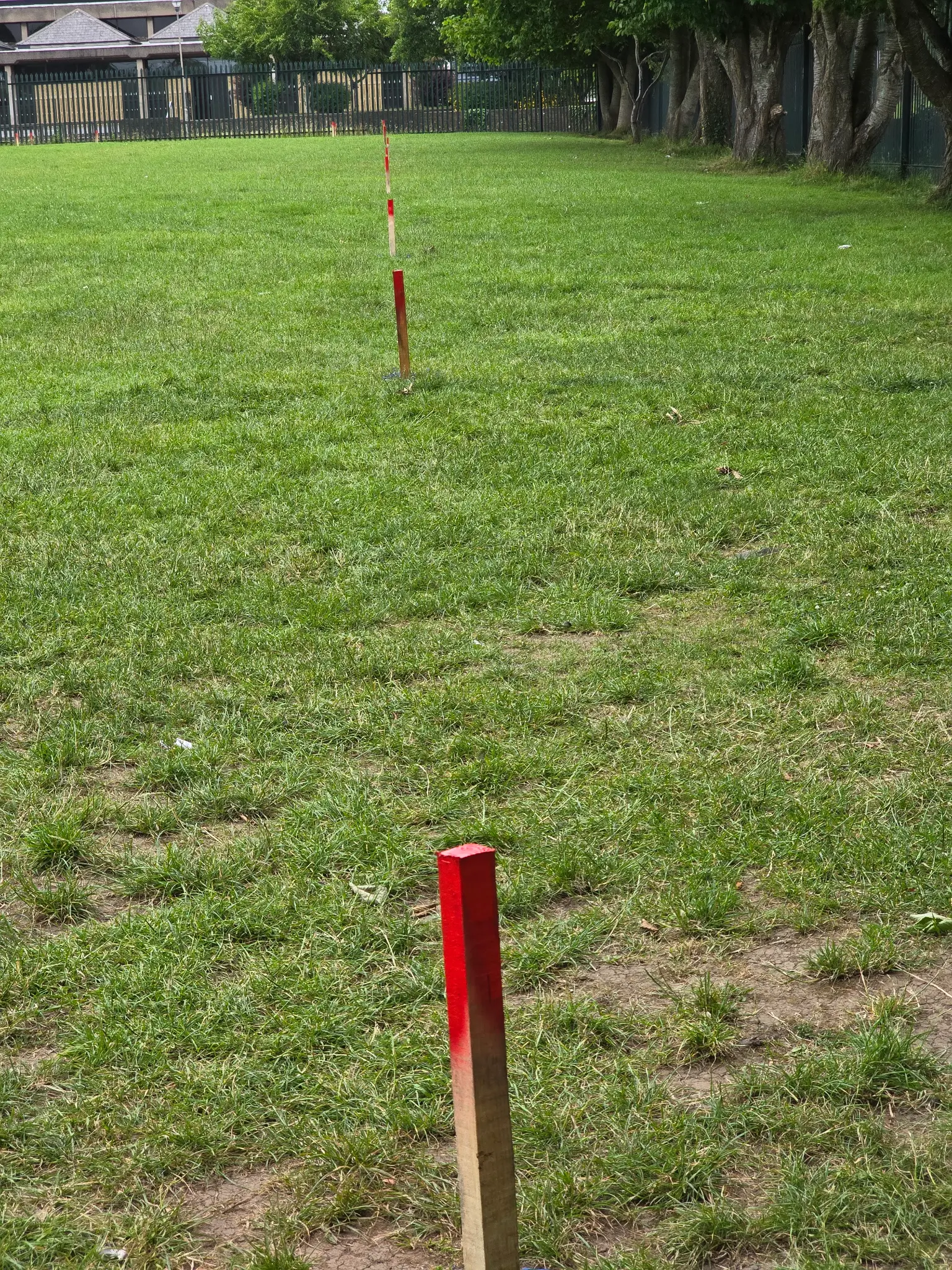
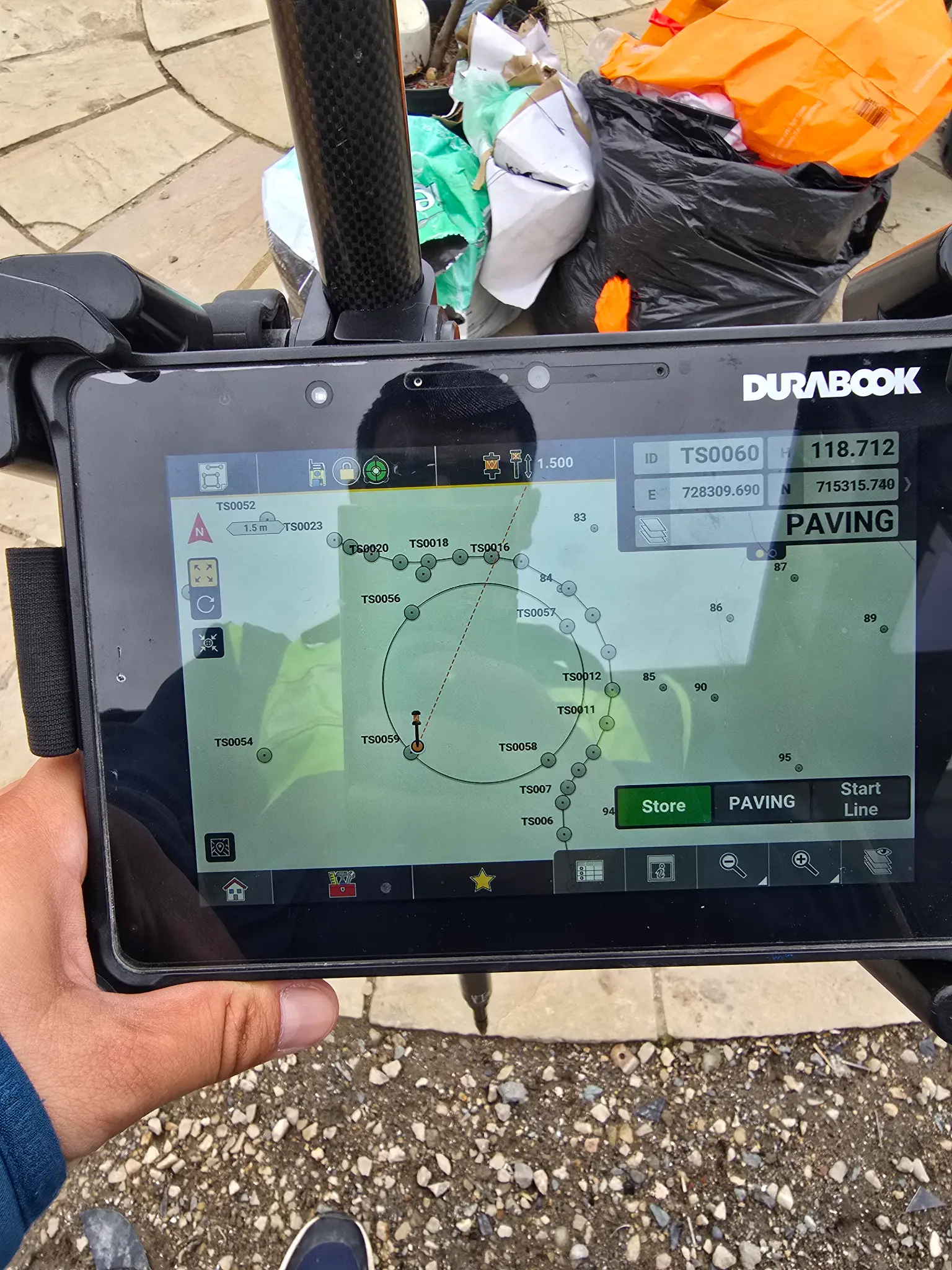
Real equipment. Real site-style tasks.
Build confidence with the instruments, field data and setting-out details used in practical work.
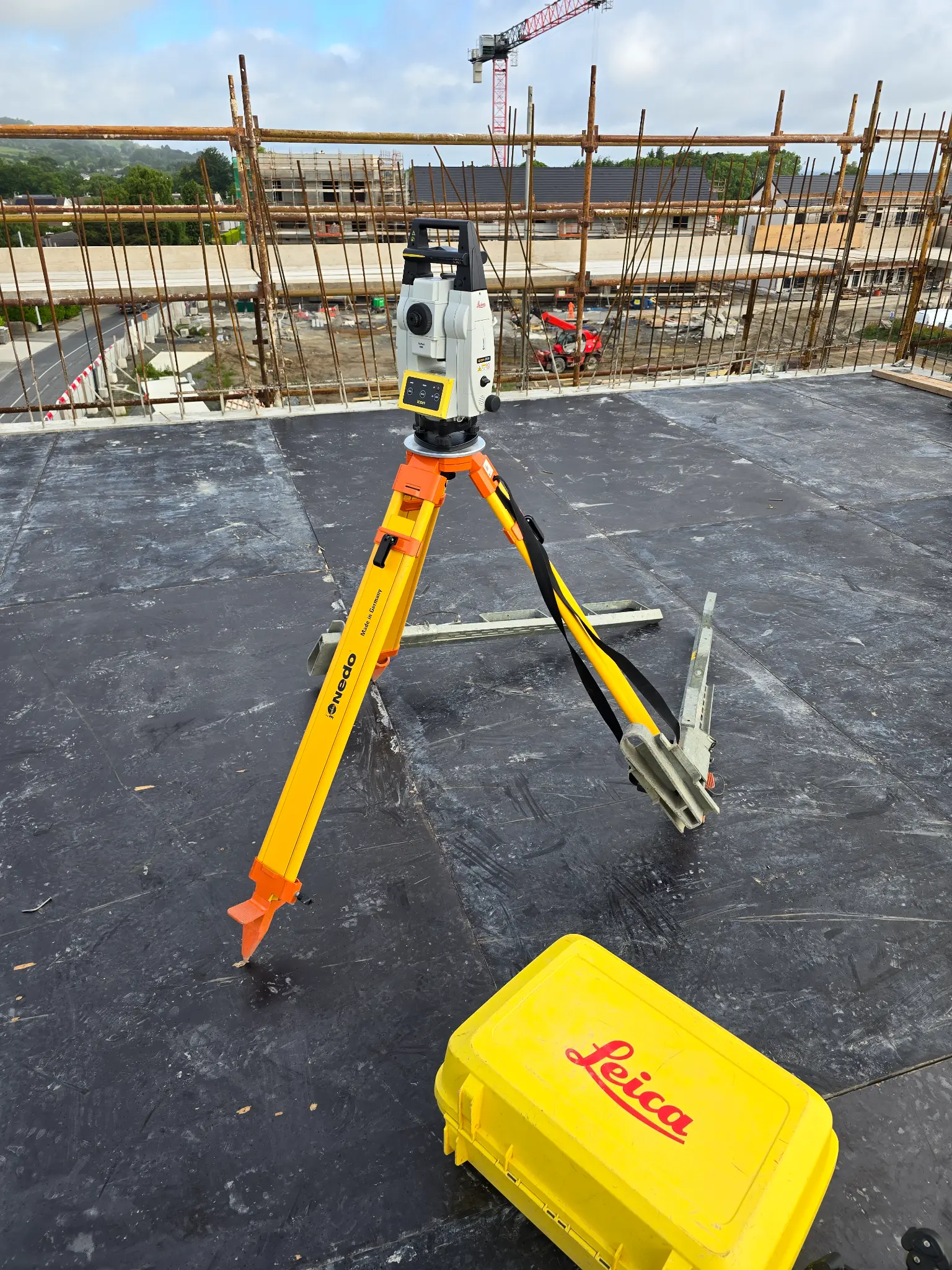
Practical experience, clearly explained
Taught by people who know the site.
Learn from professionals who have worked through the real decisions behind accurate setting out.


Norbert Mihali, Senior Site Engineer and founder of Esos Elite Setting Out, has spent a decade leading groundworks and civil projects across Ireland and Europe. He specialises in turning messy CAD files and site challenges into clear, repeatable workflows that junior engineers and tradespeople can apply. His teaching is practical: real drawings, real instruments and the checks that matter on site.
One-day or three-day training
Focused attention.
Room to practise.
Choose the concentrated one-day course or the extended three-day programme. Both are capped at six learners per group, with practical time on the drawing and equipment workflows.
Price shown at checkout.
Choose a Buy Now button to view the current course price in SureCart. Book a 30-minute call to discuss dates or suitability.
Opens Calendly to schedule a 30-minute call.Before you enquire
Frequently asked questions
A few practical details about the programme. Book a 30-minute call if you need to discuss dates, suitability or a specific requirement.
Where does the programme take place?
The practical training is delivered in Navan, County Meath. The full address and directions can be confirmed when you arrange a place.
How long are the courses?
Choose between a focused one-day option and an extended three-day practical programme. Ask about dates and which option best suits your experience.
What equipment is used?
The typical setup is a Leica iCR70 total station and Leica iCON GPS i70. Captivate or Topcon options can be discussed on request. Trimble training is not offered. Confirm with the Academy whether you should bring any equipment for your chosen date.
What should I bring?
Bring a notebook and pen, and a laptop if you have one. Wear site-appropriate clothing and bring your own boots, helmet and high-visibility clothing if available. Confirm any specific PPE requirements before attending.
Is it suitable for beginners?
It is designed for junior engineers, recent graduates and people moving into setting out. The programme starts with practical foundations and progresses to site-style exercises.
Will I receive a certificate?
The Academy can record completion of the stated learning activities. This is not a regulated qualification, professional registration, licence or independent confirmation of workplace competence.
How many people are in each group?
Groups are limited to six learners to keep the practical training small and give participants time with the equipment.
How much do the courses cost?
The current course price is shown in the SureCart checkout. For questions about dates or suitability, book a 30-minute call.
Build confidence before the next set-out
Take a more practical approach
to your work on site.
Choose one-day essentials or the three-day practical programme. Course prices are shown at checkout; book a 30-minute call if you would like more details.
Book a 30-minute callSureCart displays the current course price at checkout. DTM and Civil 3D sessions remain enquiry-led.
From training to the job
Trainee reviews
Two former trainees have secured site-engineering jobs. We’re gathering their feedback and will add their own words here with their permission.
Reviews are coming soon
We’ll publish genuine feedback from past learners once they’ve shared and approved it.
